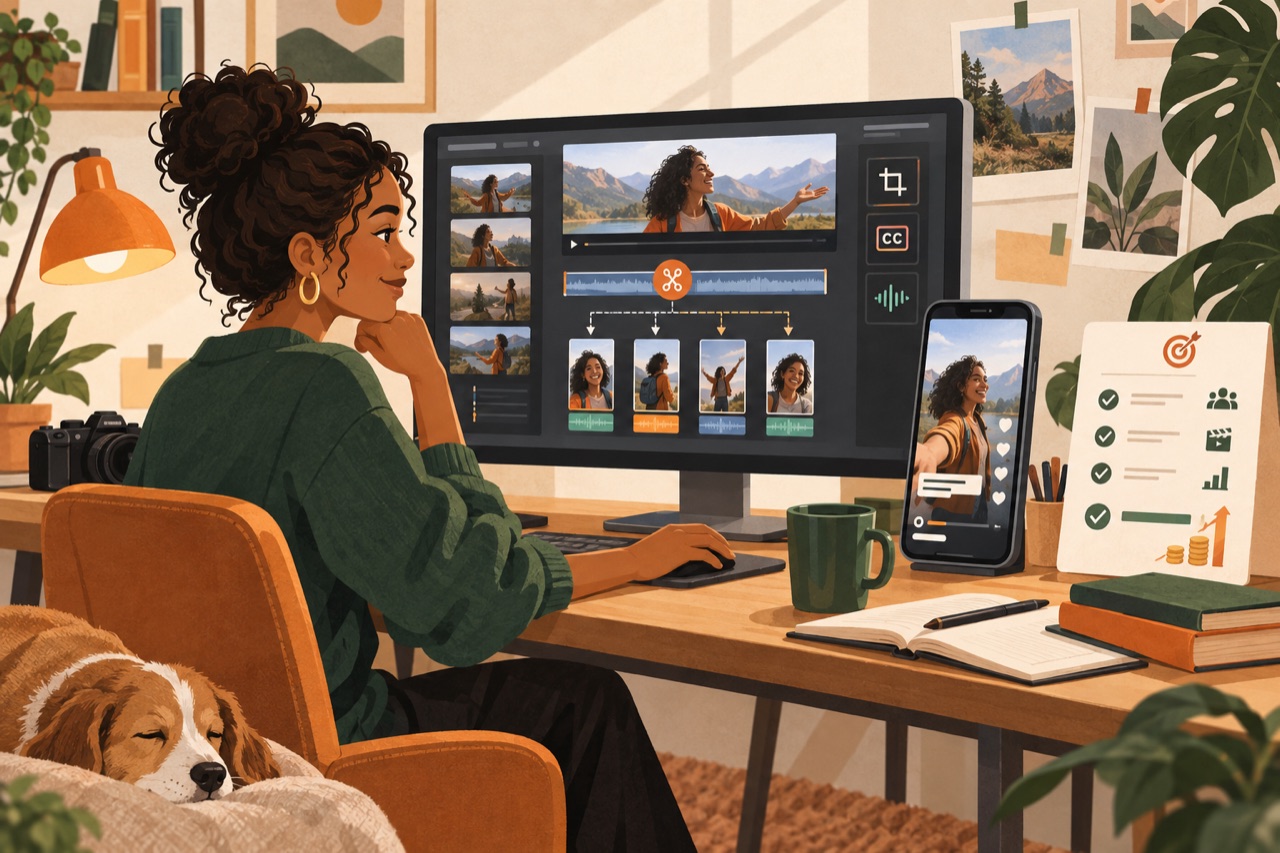
Start free, and stay free longer than you think
CapCut does everything a clipper needs for the first several months: vertical crop, auto-captions, zoom punches, speed ramps, and a template system so your look stays consistent. It is free, it runs on a phone, and plenty of people earning real money never move off it.
The instinct to buy a better editor early is almost always a way of avoiding the harder problem, which is finding better moments.
When to move up
The genuine reason to upgrade is throughput. Once you are producing enough clips that batching, proxies and keyboard-driven editing save you real hours, a desktop NLE pays for itself.
- DaVinci Resolve — free, extremely capable, steepest learning curve
- Premiere Pro — subscription, best-in-class if you already know it
- Final Cut — one-time purchase, very fast on Apple silicon
What the process should look like
These are simplified screen examples. Always follow the live campaign brief when its rules differ.
The supporting tools that matter more
These move your numbers more than the editor does.
- A transcript tool, for finding moments in podcasts and long VODs fast
- A VOD downloader that preserves quality, so your source is not already degraded
- A simple spreadsheet tracking clip, campaign, views and approval — this is your real feedback loop
- Cloud storage, because you will re-cut the same footage many times
Captions
Auto-captions are good enough now that hand-typing them is wasted time, but they are not good enough to ship unread. Names, slang and numbers are where they fail, and those are exactly the words that carry the clip. Read them once before export, every time.
The board shows every campaign we can see, ranked by how hot they run and how likely you are to actually get paid — including how full each pool already is.